

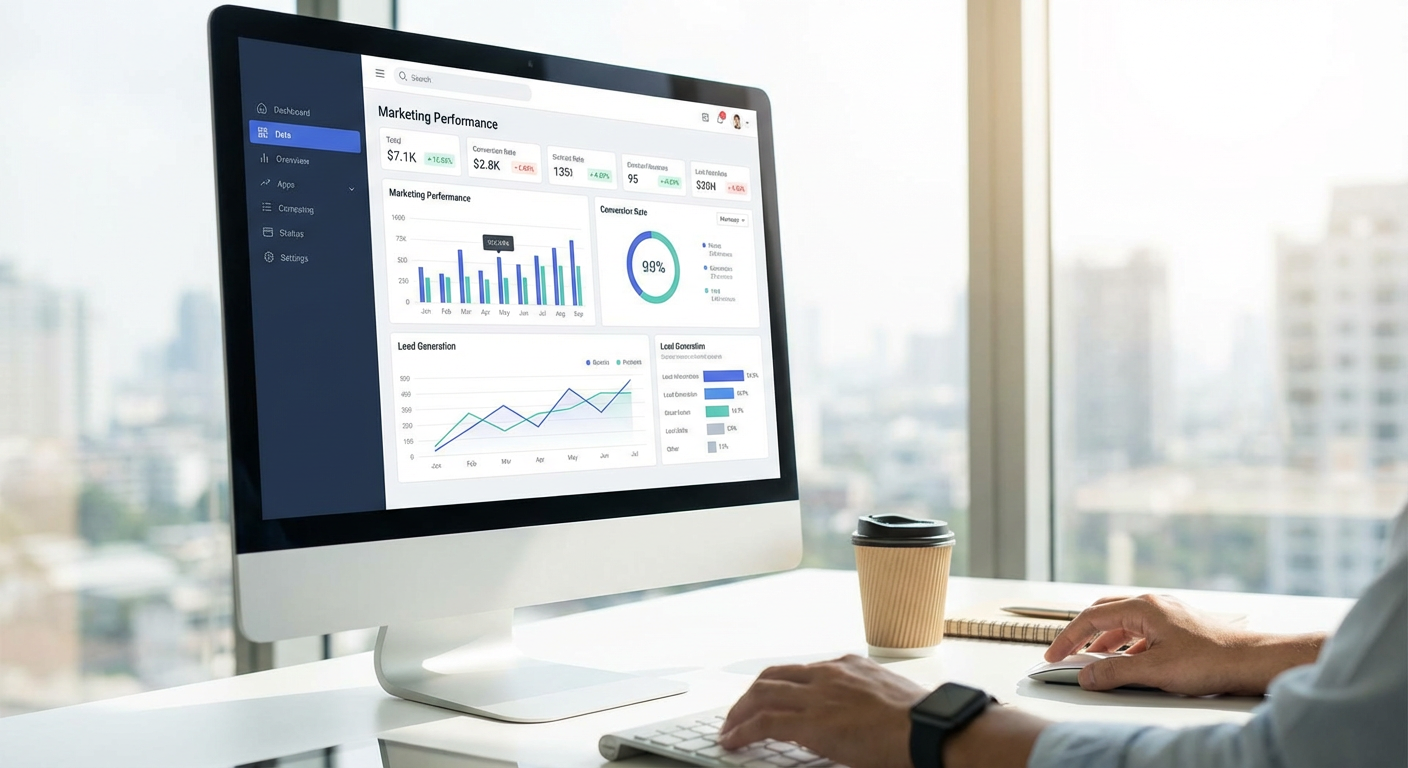
9 Analytics Dashboards to Track Marketing KPIs Without the Headache
Marketing without data is just guessing, and guessing is expensive. Whether you run a small business or manage campaigns for clients, you need to see what’s working and what’s wasting your budget. The right analytics dashboard pulls all your numbers into one place so you can make smart decisions fast. This list covers nine tools that help you monitor everything from website traffic to campaign performance, sorted by how complicated they are to set up. Some are simple enough to start using today, while others offer deeper features once you’re ready to dig in.
- Legiit
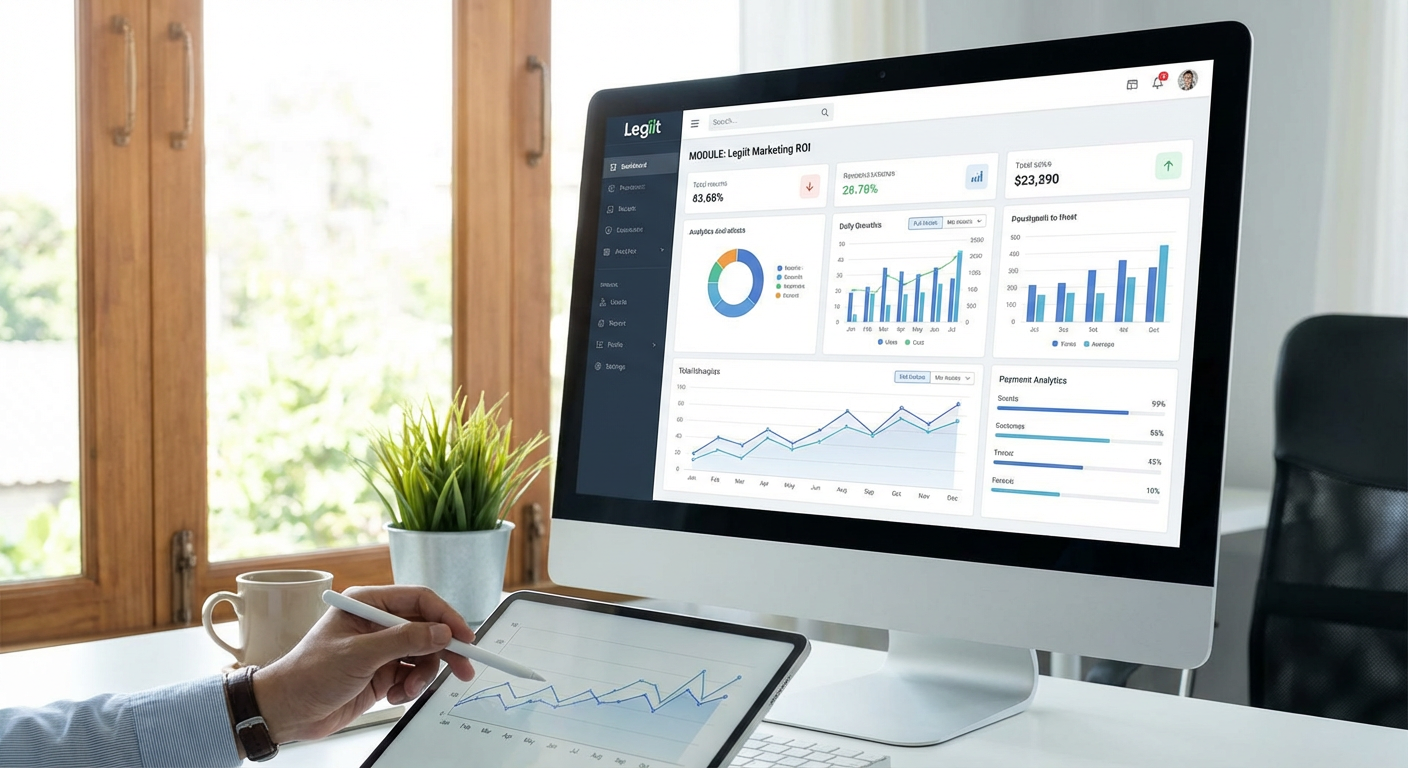
If you’re looking for marketing services that come with clear reporting built in, Legiit connects you with freelancers who specialize in data-driven work. Many service providers on the platform offer packages that include dashboard setup, Google Analytics configuration, or custom reporting as part of their deliverables. This matters because buying a tool is one thing, but getting it configured correctly is another challenge entirely.
What makes this approach practical is that you can hire someone to build exactly what you need without committing to expensive agency retainers. You’ll find experts who can set up tracking for SEO campaigns, paid ads, social media metrics, and more. The marketplace structure means you can compare providers, read reviews, and choose based on your specific requirements and budget. For businesses that need help turning raw data into actionable reports, this solves both the software problem and the expertise gap at once.
- Klipfolio

Klipfolio lets you build dashboards from scratch using data from almost anywhere. You can connect spreadsheets, databases, marketing platforms, and sales tools all in one view. The learning curve is steeper than plug-and-play options, but that flexibility pays off when you need something specific.
The platform works well for teams that have outgrown basic templates but aren’t ready to hire a developer. You can customize every chart, table, and metric to match how your team actually thinks about performance. It also handles real-time data refreshes, so you’re not looking at stale numbers from yesterday. If you like control over exactly how your data appears and which sources feed into your reports, this tool gives you plenty of room to experiment.
- Cyfe
Cyfe is built for people who want a dashboard up and running in minutes, not hours. It offers pre-built widgets for Google Analytics, Facebook Ads, Mailchimp, and dozens of other services. You drag widgets onto a canvas, connect your accounts, and you’re done.
This simplicity makes it a solid choice for solo marketers or small teams that don’t have time to learn complex software. The interface won’t win design awards, but it gets the job done without fuss. You can also share dashboards with clients or team members using a simple link, which is helpful when you need to report results quickly. If your main goal is to stop logging into five different platforms every morning, Cyfe solves that problem cleanly.
- Geckoboard
Geckoboard focuses on TV-mode dashboards that you can display on office screens or share in Slack channels. The idea is to keep your most important metrics visible at all times, so everyone on the team knows how things are performing without needing to ask.
The tool connects to popular marketing platforms and lets you choose which metrics to highlight. It’s less about deep analysis and more about maintaining awareness. This works particularly well for agencies or in-house teams that want to create a culture of transparency around performance. The visual design is clean and easy to read from a distance, which matters if you’re actually putting this on a monitor in your workspace.
- Databox
Databox strikes a balance between ease of use and customization. It offers templates for common marketing scenarios like social media tracking, SEO reporting, and paid advertising performance. You can use these templates as-is or modify them to fit your specific needs.
One feature that stands out is the mobile app, which gives you access to your dashboards from anywhere. This is useful when you’re away from your desk but need to check how a campaign is performing. The platform also includes goal tracking and alerts, so you get notifications when metrics move outside expected ranges. For teams that want something more flexible than a basic tool but less complex than a full business intelligence platform, Databox hits a sweet spot.
- Google Data Studio
Google Data Studio is free and integrates naturally with other Google products like Analytics, Ads, and Search Console. If your marketing stack lives mostly in the Google ecosystem, this is the obvious starting point. You can pull data from other sources too, though it sometimes requires extra steps.
The reporting features are solid for most marketing needs. You can create charts, tables, scorecards, and filters that let viewers explore the data themselves. Sharing is straightforward, since you can set permissions just like you would with a Google Doc. The main limitation is that it can feel clunky when you’re working with non-Google data sources, and the interface has a bit of a learning curve. Still, for the price of zero dollars, it’s hard to argue with the value.
- AgencyAnalytics
AgencyAnalytics is designed specifically for marketing agencies that manage multiple clients. Each client gets their own dashboard, and you can white-label everything with your agency’s branding. This makes client reporting much faster, since you’re not rebuilding reports from scratch every month.
The platform includes integrations for SEO tools, social media platforms, advertising networks, and email marketing services. You can automate report delivery, so clients receive updates on a schedule without you lifting a finger. It also tracks campaign performance over time, which helps when you need to show progress across months or quarters. If you’re juggling several clients and spending too much time on manual reporting, this tool can give you hours back each week.
- DashThis
DashThis focuses on simplicity and speed. You pick a template, connect your marketing tools, and the platform automatically populates your dashboard with relevant metrics. It’s built for marketers who want results without needing to become data analysts.
The tool handles common integrations well, covering everything from Google Analytics to Facebook Ads to email platforms. You can customize colors, add your logo, and include text commentary alongside the numbers. This makes it easy to provide context when sharing reports with clients or stakeholders. The interface feels intuitive, which means less time training team members on how to use it. If your priority is getting clean, professional-looking reports with minimal effort, DashThis delivers on that promise.
- Whatagraph
Whatagraph turns your marketing data into visual reports that actually look good. The platform emphasizes design, so the charts and graphs you create are presentation-ready without additional formatting. This matters when you’re sharing results with clients or executives who care about how information is presented.
The tool connects to most major marketing platforms and lets you build reports using drag-and-drop components. You can set up automated report delivery, track performance across channels, and even create custom metrics when the standard ones don’t fit your needs. It’s particularly strong for agencies that need to impress clients with polished deliverables. The price point is higher than some alternatives, but the time saved on making reports look professional can justify the cost for many teams.
Choosing the right analytics dashboard depends on what you need to track and how much time you want to spend setting things up. If you need something simple that works right away, tools like Cyfe or DashThis get you started quickly. If you need more control over how data appears, Klipfolio or Databox offer more flexibility. And if you’re managing multiple clients, AgencyAnalytics or Whatagraph can save you serious time on reporting. The best dashboard is the one you’ll actually use, so pick something that matches your skill level and grows with your needs. Your marketing will improve once you can see what’s happening clearly and make decisions based on real numbers instead of hunches.