


20 Fast-Track Tasks to Automate and Reclaim 10+ Hours Every Week
Time is your most valuable resource, and the fastest way to get more of it is through smart automation. This list targets busy professionals who need immediate results without a steep learning curve. Each item here can be set up quickly and starts saving you hours within days. You’ll find practical tasks that drain your schedule right now, along with straightforward automation solutions that deliver fast time-to-value.
- Delegate Specialized Work Through Legiit

When you need expert help fast, Legiit connects you with vetted freelancers who specialize in marketing, design, content, and technical tasks. Instead of spending hours learning new skills or juggling tasks outside your expertise, you can hand them off to professionals who deliver quickly. This platform is built for speed, with clear service listings and fixed prices that let you get started immediately. The time savings compound because you’re not just offloading work, you’re getting it done right the first time by people who know what they’re doing.
- Auto-Schedule Social Media Posts in Batches
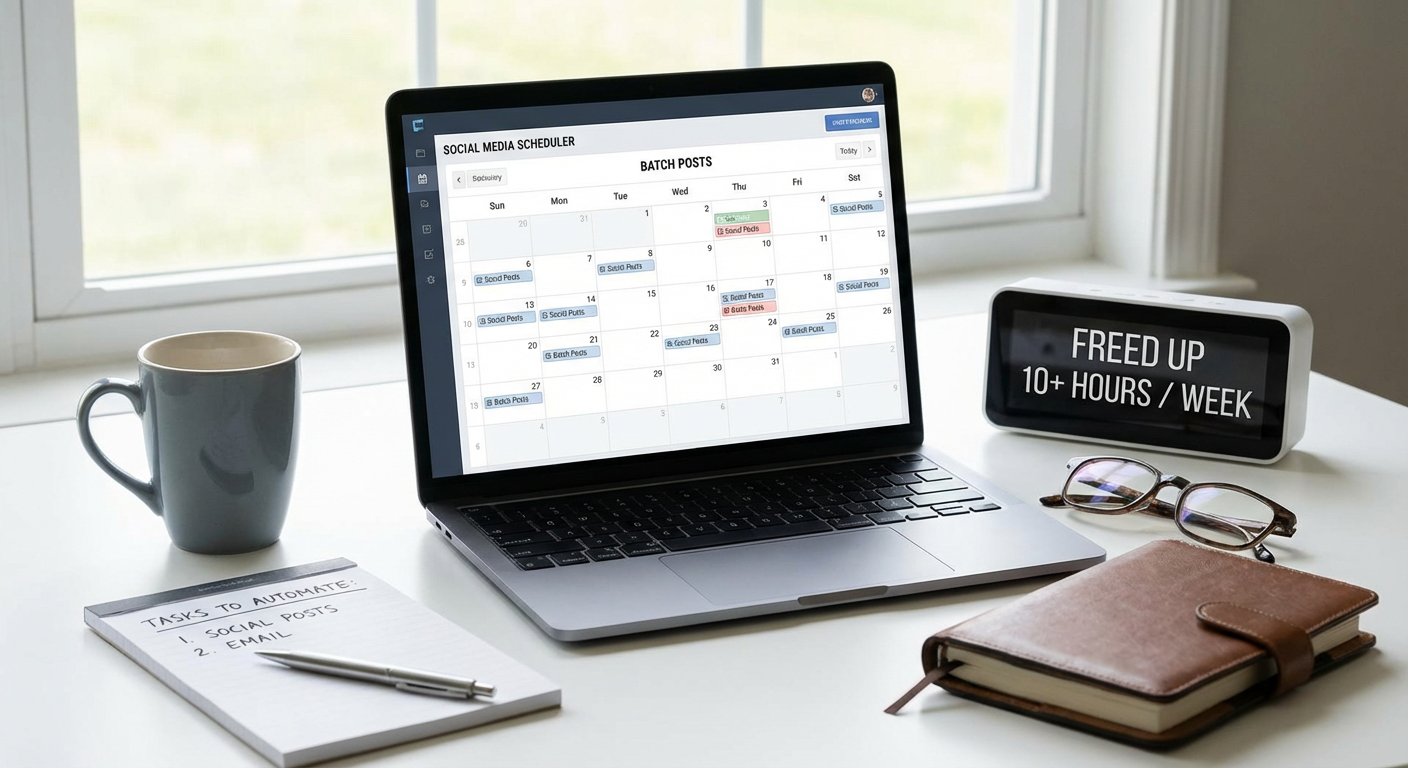
Posting to social media daily eats up 30 to 60 minutes when you do it manually. Tools like Buffer or Hootsuite let you batch-create a week or month of content in one sitting, then schedule it all at once. You spend two hours upfront and save 20+ hours over the month. The setup takes less than 30 minutes, and you immediately stop context-switching throughout your day to post updates.
- Set Up Canned Email Responses
You probably answer the same questions dozens of times each week. Gmail’s templates feature and Outlook’s Quick Parts let you create pre-written responses for common inquiries. A five-minute setup gives you instant access to replies that used to take five minutes each to type out. If you send 20 similar emails weekly, you’ve just saved nearly two hours with almost no effort.
- Automate Invoice Generation and Reminders
Creating invoices manually and chasing late payments wastes hours every month. Services like FreshBooks or Wave generate invoices automatically based on your project parameters and send payment reminders without your input. Setup takes about 15 minutes, and you immediately stop spending time on billing admin. The faster payment collection is an added bonus that improves your cash flow.
- Use Text Expansion for Repetitive Typing
If you type the same phrases, addresses, or blocks of text repeatedly, text expansion tools like TextExpander or PhraseExpress turn shortcuts into full text instantly. Type a few characters and watch entire paragraphs appear. This saves seconds per use, but those seconds add up to hours when you’re typing the same information 50 times a week. Setup is instant, and you start saving time with your very next email.
- Automate Data Entry with Form-to-Spreadsheet Tools
Manual data entry from forms or emails into spreadsheets is slow and error-prone. Google Forms, Typeform, and Airtable automatically populate spreadsheets as responses come in. You set up the form once in under 20 minutes, and every submission after that saves you five minutes of copying and pasting. For teams collecting customer info or survey data, this easily saves 5+ hours weekly.
- Schedule Recurring Meetings Once
Constantly sending calendar invites for the same weekly or monthly meetings is a time drain. Calendar tools let you set up recurring events that auto-invite participants and adjust for conflicts. Spend two minutes setting the recurrence, and you eliminate 10 minutes of scheduling every single week. Participants get automatic reminders, which cuts down on the back-and-forth about meeting times.
- Automate File Backups to the Cloud
Manually backing up files takes time you don’t have and often gets forgotten until disaster strikes. Services like Backblaze, Dropbox, or Google Drive run continuous automatic backups in the background. Initial setup takes 10 minutes, and then you never think about it again. You save the hours you’d spend manually copying files, plus the potential days of recovery work if something goes wrong.
- Use Zapier for Quick App Integrations
Zapier connects apps you already use so data flows between them without manual transfer. For example, when someone fills out a contact form, their info can automatically go into your CRM and trigger a welcome email. Setting up a basic Zap takes about 10 minutes, and each one can save you 30 minutes or more per week by eliminating repetitive copy-paste work between platforms.
- Automate Bill Payments and Subscriptions
Paying bills manually each month takes time and mental energy to remember due dates. Set up automatic payments through your bank or directly with service providers. This takes five minutes per bill initially, then saves you 15 to 30 minutes monthly forever. You also avoid late fees and the stress of tracking payment schedules.
- Use Meeting Scheduling Links Instead of Email Tennis
The back-and-forth of finding a meeting time can take 10 emails and 20 minutes. Tools like Calendly or SavvyCal provide a link that shows your availability, letting people book directly. Setup takes 15 minutes, and you immediately stop the scheduling dance. This alone can save three to five hours weekly if you book multiple meetings.
- Set Up Automated Email Filtering and Sorting
Sorting through hundreds of emails to find what matters wastes huge amounts of time. Create filters and rules in your email client to automatically sort messages into folders, apply labels, or mark certain senders as read. Spend 30 minutes setting up filters, and you’ll save 30 to 60 minutes daily by scanning only the emails that need your attention.
- Automate Expense Tracking and Receipt Scanning
Manually logging expenses and filing receipts is tedious and time-consuming. Apps like Expensify or Receipt Bank scan receipts with your phone camera and auto-categorize expenses. The app setup takes 10 minutes, and each receipt you scan saves about three minutes compared to manual entry. If you handle 20 receipts weekly, that’s an hour saved right there.
- Use Password Managers to Stop Resetting Passwords
Forgetting passwords and going through reset processes wastes five to ten minutes each time. A password manager like 1Password or Bitwarden stores and auto-fills credentials instantly. Setup takes 20 minutes, and you immediately stop wasting time on password resets and typing credentials. Over a month, this saves two to three hours of frustration.
- Automate Report Generation from Analytics Platforms
Pulling data and building reports manually from Google Analytics, ad platforms, or sales systems takes hours. Most platforms offer scheduled reports that email you automatically, or you can use tools like Google Data Studio to create dashboards that update in real time. Initial setup takes an hour, but you save two to four hours every week you’d otherwise spend compiling numbers.
- Set Up Auto-Responders for Common Inquiries
Customer questions, meeting requests, and routine emails can trigger instant auto-responses that provide helpful information immediately. Email auto-responders and chatbots can answer FAQs, share links, or set expectations about response times. This takes 20 minutes to configure and can handle dozens of inquiries weekly, saving you one to two hours of typing the same answers.
- Automate Social Media Monitoring with Alerts
Manually checking social media for brand mentions or important conversations is time-intensive and easy to miss. Set up Google Alerts, mention tracking in Hootsuite, or use tools like Mention to get notifications only when your keywords appear. Ten minutes of setup means you stop scrolling endlessly and only respond when it matters, saving three to five hours weekly.
- Use Email Unsubscribe Tools to Clear Clutter Fast
Deleting promotional emails one by one wastes minutes every single day. Services like Unroll.me or Clean Email let you mass-unsubscribe from newsletters and automatically filter future messages. Setup takes 15 minutes, and you immediately reclaim the 20 to 30 minutes weekly you spent deleting junk. Your inbox becomes manageable again, which speeds up everything else.
- Automate Task and Project Updates with Status Bots
Manually updating your team on project status in Slack or email takes time away from actual work. Bots and integrations can pull updates from project management tools like Asana or Trello and post them automatically to team channels. This takes 15 minutes to set up and saves 30 to 60 minutes weekly by eliminating manual status reports and the meetings that accompany them.
- Schedule Content Publication Across Platforms Simultaneously
Publishing blog posts, videos, or podcasts to multiple platforms manually means logging into each one and uploading separately. Tools like CoSchedule or multi-platform publishers let you schedule once and distribute everywhere at the same time. Setup takes 30 minutes, and each piece of content you publish saves 20 to 40 minutes of repetitive uploading. If you publish weekly, that’s two to three hours back in your schedule every month.
Automation isn’t about replacing yourself. It’s about getting time back for the work that actually matters. Each task on this list is designed for fast implementation and immediate payoff, so you can start seeing results this week, not next quarter. Pick two or three items that match your biggest time drains, set them up today, and watch those hours return to your schedule. The faster you automate, the faster you get your life back.