


13 Platforms That Help You Launch an Online Business Fast: Compared and Reviewed
Starting an online business used to mean months of planning, expensive developers, and a steep learning curve. Today, dozens of platforms promise to get you up and running in hours instead of weeks. But which one actually delivers on that promise? Each platform has different strengths, weaknesses, and trade-offs that matter depending on what you’re building. This list compares 13 popular options so you can see how they stack up against each other and choose the right fit for your specific needs.
- Legiit

Legiit stands out as a marketplace where you can both buy services to build your business and sell your own skills to start earning immediately. The platform lets you launch a seller profile in minutes without any upfront costs or complicated setup. Compared to freelance sites that take 20% or more in fees, Legiit offers more favorable pricing structures for sellers. The built-in audience of buyers actively searching for services means you can start getting clients faster than building your own website from scratch. For service providers, consultants, and digital professionals, Legiit removes most of the barriers between having a skill and making money from it.
- Shopify
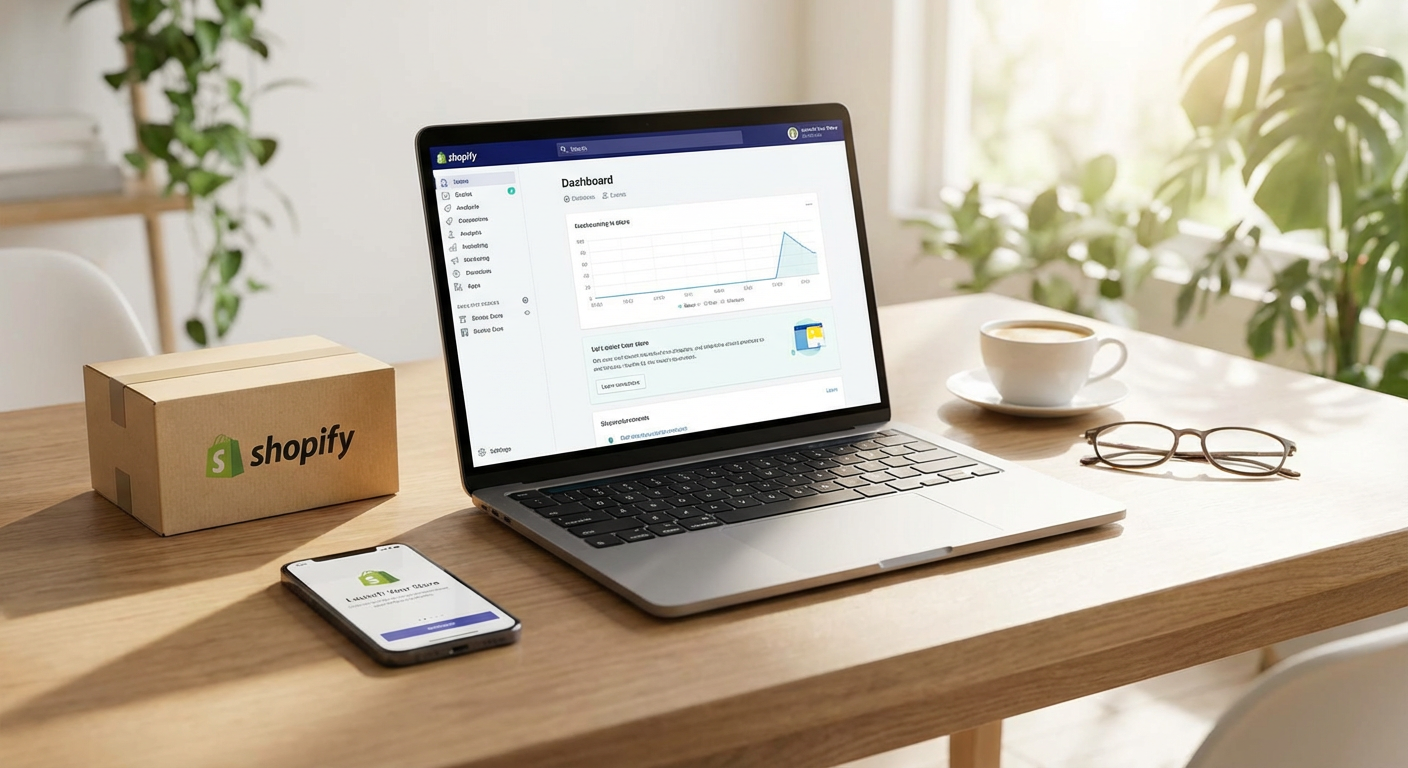
Shopify dominates the e-commerce space with good reason, but it comes with monthly fees starting around $29 and climbing quickly as you add apps. The advantage is a polished, professional storefront that handles payments, inventory, and shipping without technical knowledge. Compared to WooCommerce, Shopify is easier to set up but less flexible for customization. Compared to Etsy, you have full control over your brand but lose access to Etsy’s built-in traffic. The trade-off is clear: you pay more for convenience and reliability, but you get a store that looks legitimate from day one. For physical product sellers who want to avoid technical headaches, the premium is often worth it.
- Gumroad
Gumroad takes a radically simple approach to selling digital products, with almost no learning curve required. You can list a product and start selling within five minutes, but you sacrifice advanced marketing features and detailed analytics. The platform charges 10% on the free plan or $10 monthly for lower fees, making it cheaper than Shopify for digital creators. Compared to Teachable or Kajabi, Gumroad lacks course hosting features but gets you to market much faster. If you’re selling ebooks, templates, or simple digital downloads and want the shortest path to your first sale, Gumroad wins on speed. Just don’t expect the sophisticated funnel building that more expensive platforms offer.
- Squarespace
Squarespace earns its reputation for beautiful templates that make any business look professionally designed. The drag-and-drop builder is more intuitive than WordPress but less powerful than dedicated e-commerce platforms like Shopify. You get an all-in-one solution with hosting, domain, and design tools for around $18 to $40 monthly depending on features. Compared to Wix, Squarespace templates look more modern but offer fewer customization options. Compared to custom development, you lose flexibility but gain speed and simplicity. Service businesses, portfolios, and small online shops benefit most, while high-volume e-commerce stores eventually outgrow its capabilities.
- Etsy
Etsy provides instant access to millions of shoppers actively searching for handmade, vintage, and craft items. Opening a shop takes less than an hour, and you pay only listing fees plus a percentage of sales rather than monthly subscriptions. The downside is intense competition and limited control over your brand presentation compared to your own Shopify store. You’re also subject to Etsy’s rules and algorithm changes that can impact your visibility overnight. For makers and crafters just starting out, Etsy’s built-in traffic makes it easier to get those crucial first sales. Once you’ve proven your concept, many sellers eventually migrate to their own platforms for better margins and control.
- Substack
Substack has become the go-to platform for writers and creators launching paid newsletters with minimal friction. Setup takes minutes, and the platform handles payments, email delivery, and subscriber management automatically. Compared to Mailchimp or ConvertKit, Substack is simpler but less flexible for complex email marketing campaigns. The 10% platform fee is higher than self-hosted options but includes everything you need without technical configuration. Against Medium’s paywall model, Substack gives you direct relationships with subscribers and predictable recurring revenue. Writers who want to monetize their audience quickly without learning email marketing software will find Substack removes almost every obstacle.
- WordPress with WooCommerce
WordPress paired with WooCommerce offers maximum flexibility and control but requires more initial setup time than hosted solutions. You’ll need to handle hosting, security, and updates yourself, which adds complexity but keeps monthly costs lower. Compared to Shopify, WooCommerce is free but demands more technical confidence or hiring help. Compared to Squarespace, WordPress can grow with you indefinitely without hitting platform limitations. The trade-off is simple: invest more time upfront for lower long-term costs and complete ownership of your store. Businesses planning significant growth or needing specific customizations eventually appreciate what WordPress offers, even if the launch takes longer.
- Kajabi
Kajabi bundles course hosting, email marketing, website building, and sales funnels into one platform, but that convenience costs $149 monthly at minimum. For course creators and coaches, this eliminates juggling multiple tools like Teachable, Mailchimp, and ClickFunnels separately. Compared to Thinkific, Kajabi costs significantly more but includes marketing automation that Thinkific lacks. Compared to building with WordPress plugins, Kajabi is faster to launch but much more expensive long-term. The assessment comes down to whether the time savings and integrated features justify the premium pricing. Established creators with proven courses appreciate the efficiency, while beginners often start with cheaper alternatives until revenue justifies the cost.
- Wix
Wix competes directly with Squarespace by offering hundreds of templates and an even more flexible drag-and-drop editor. The artificial design intelligence can build a basic site in minutes, though the results often need refinement. Pricing ranges from $16 to $45 monthly, similar to Squarespace, but Wix includes more free features in lower tiers. Compared to Squarespace, Wix gives you more design control but templates sometimes look less polished. Compared to WordPress, Wix is vastly simpler but limits your ability to add custom functionality. Small businesses wanting quick setup with moderate customization find Wix hits a sweet spot between simplicity and flexibility.
- Big Cartel
Big Cartel targets artists and makers with a stripped-down store platform that costs as little as $9.99 monthly for small inventories. The interface is deliberately minimal, which means less to learn but also fewer features for growth. Compared to Shopify, Big Cartel is cheaper and simpler but lacks advanced tools for scaling. Compared to Etsy, you get your own branded storefront but lose access to Etsy’s massive customer base. For artists selling a small collection of items who want something beyond Instagram but simpler than Shopify, Big Cartel fills that specific niche. Just recognize you’ll likely outgrow it if your business takes off.
- Teachable
Teachable focuses specifically on online courses with video hosting, student management, and payment processing built in. Plans start at $39 monthly, positioning it between Gumroad’s simplicity and Kajabi’s premium pricing. Compared to Kajabi, Teachable offers fewer marketing tools but costs much less for similar course delivery features. Compared to hosting courses on your own WordPress site, Teachable handles technical details like video streaming and student access automatically. The platform makes sense for educators and experts who want to package their knowledge into courses without becoming technical specialists. You get to market faster than self-hosted solutions but with more structure than selling PDFs on Gumroad.
- Webflow
Webflow bridges the gap between no-code builders and custom development, offering powerful design control without writing code. The learning curve is steeper than Wix or Squarespace but still far easier than traditional web development. Pricing starts at $14 monthly for basic sites, but e-commerce plans jump to $29 and up. Compared to Squarespace, Webflow gives designers much more precise control over layouts and animations. Compared to WordPress, Webflow is cleaner and more visual but less extensible with third-party tools. Creative professionals and agencies who need custom designs without hiring developers find Webflow worth the extra effort to learn.
- Podia
Podia competes with Teachable and Kajabi by bundling courses, digital downloads, and memberships into one platform for $39 monthly. The interface prioritizes simplicity over advanced features, making it faster to launch but less powerful for complex marketing. Compared to Teachable, Podia includes email marketing and memberships at lower price points. Compared to Kajabi, Podia costs a fraction of the price but lacks sophisticated automation and funnel building. For creators who want to sell multiple types of digital products from one place without paying Kajabi prices, Podia offers solid middle ground. The limitation is that serious scaling eventually requires more powerful tools that Podia doesn’t provide.
Choosing the right platform depends less on which is objectively best and more on which trade-offs match your priorities. If you need the absolute fastest launch, Gumroad and Substack get you selling in minutes. If you want room to grow into a major business, Shopify and WordPress offer more runway despite slower starts. Service providers can start earning immediately on Legiit, while course creators need the specialized features of Teachable or Podia. Consider where you are now, where you want to go, and how much technical complexity you’re willing to handle. The good news is that most of these platforms let you start small and migrate later if your needs change.