

10 Fast Tools That Save Freelancers Hours Every Week
Freelancers live and die by the clock. Every hour spent on admin tasks, invoicing, or hunting for clients is an hour you’re not earning. The right tools can compress what used to take half a day into minutes. This list focuses on platforms and software that deliver quick results and automate the tedious parts of running a freelance business. If you’re tired of losing billable time to busywork, these tools will help you reclaim your schedule and focus on the work that actually pays.
- Legiit
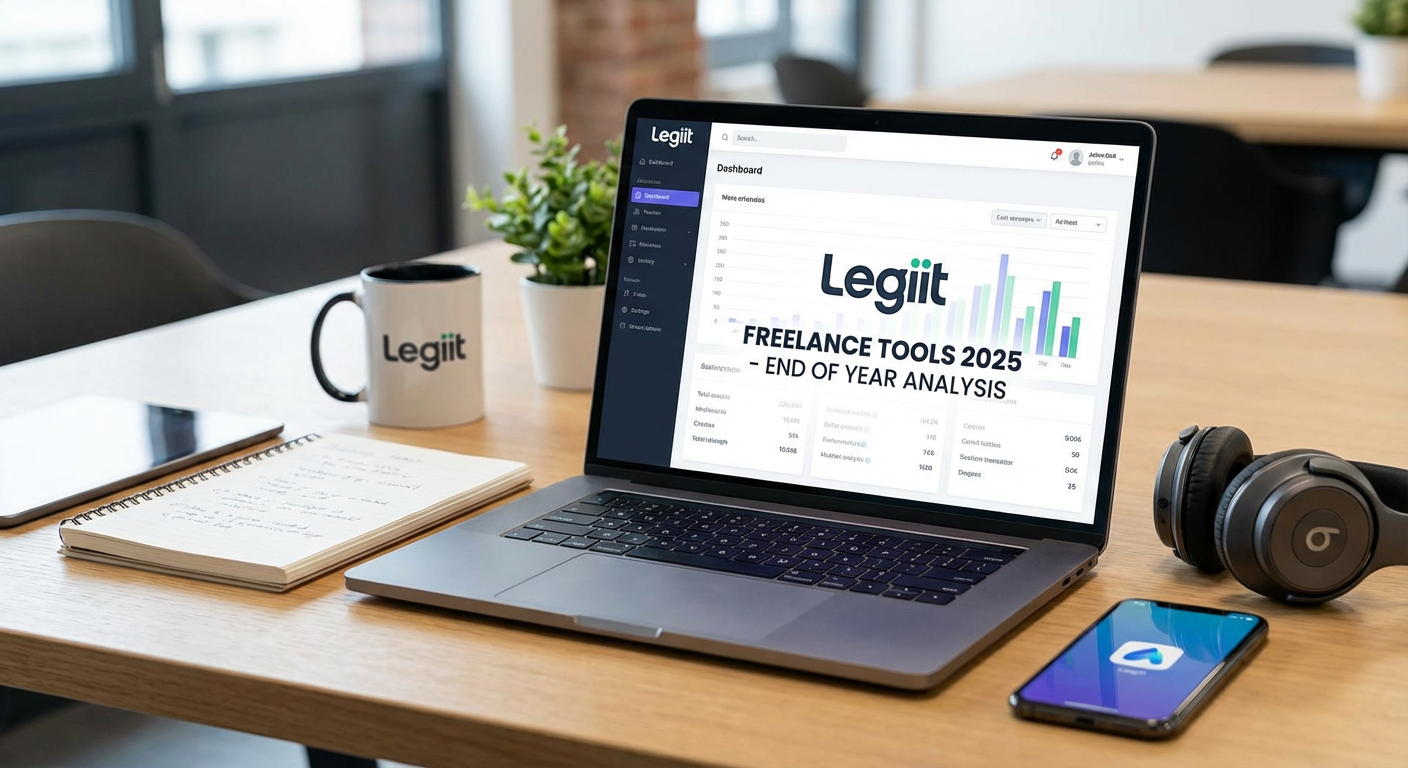
When you need clients fast without the endless pitching cycle, Legiit connects you with buyers who are ready to purchase services right now. Instead of spending hours writing proposals that might never get read, you list your services once and let buyers come to you. The platform handles the payment processing, dispute resolution, and client communication in one place, which means less time juggling different systems. For freelancers who want to start earning quickly without building a client base from scratch, Legiit removes most of the friction between offering a service and getting paid for it.
- Calendly
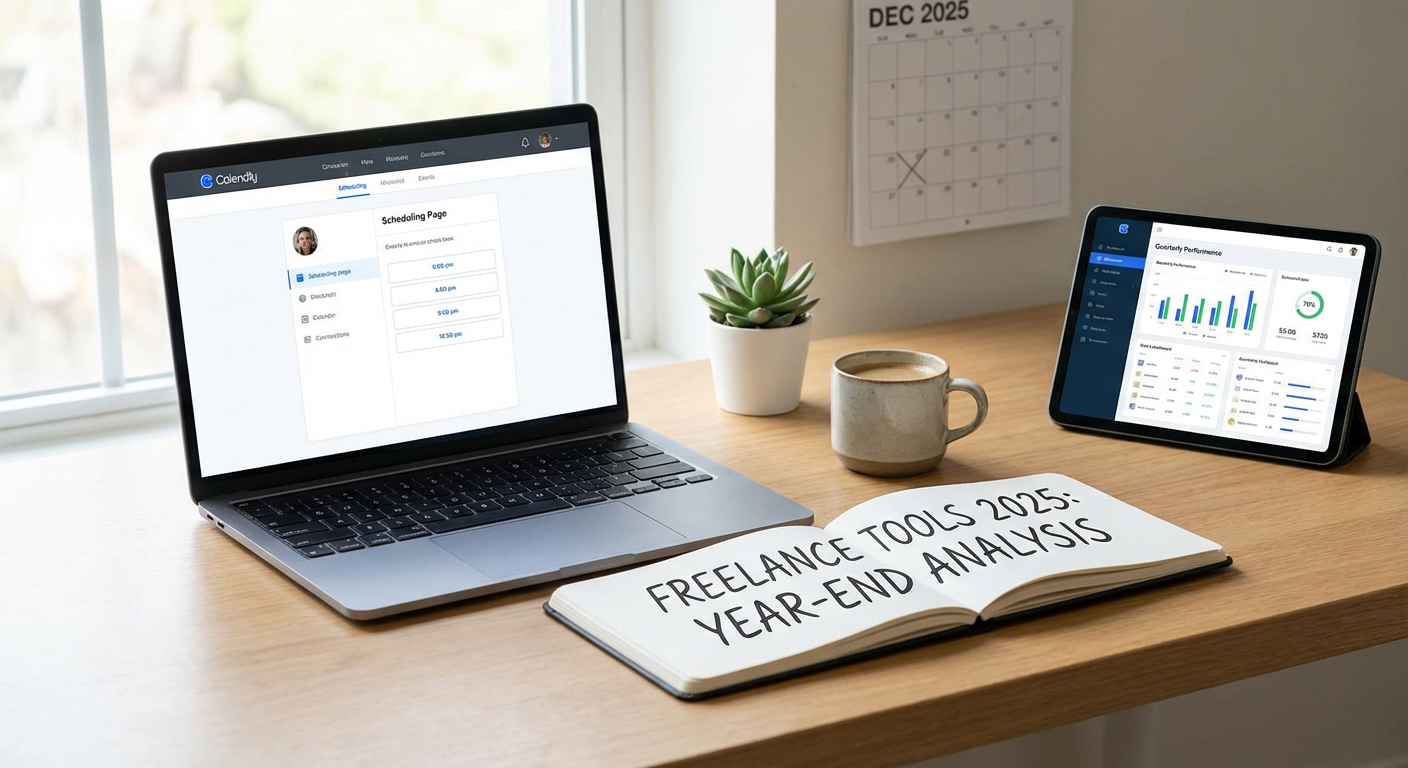
The back-and-forth of scheduling calls can eat up an entire afternoon if you’re coordinating across time zones or juggling multiple clients. Calendly solves this by letting clients book time directly on your calendar based on your availability. You set your hours, link it to your Google or Outlook calendar, and send people a simple booking link. No more email chains asking “Does Tuesday at 3pm work for you?” The tool syncs automatically and sends reminders to both parties, which cuts down on no-shows and last-minute reschedules.
- Notion
Managing projects, notes, client information, and to-do lists across different apps creates chaos and wastes time searching for information. Notion consolidates everything into one workspace that you can customize to fit your exact workflow. You can build databases for clients, embed files, write documentation, and track deadlines all in the same place. The learning curve exists but pays off quickly once you set up templates. Many freelancers report cutting their admin time in half simply by having one source of truth for all their work.
- Zapier
Repetitive tasks like copying data between apps, sending follow-up emails, or updating spreadsheets drain hours from your week. Zapier automates these workflows by connecting your apps and triggering actions based on specific events. For example, when a client pays an invoice, Zapier can automatically add them to your CRM, send a thank-you email, and create a project folder in Google Drive. You don’t need coding skills to set up these automations. Once configured, these workflows run in the background and save you from manual data entry and repetitive clicking.
- Grammarly
Proofreading your own writing takes time and you still miss errors because your brain autocorrects as you read. Grammarly catches typos, grammar mistakes, and awkward phrasing in real time as you type across emails, documents, and web forms. The tool works as a browser extension and integrates with most writing platforms, so you don’t need to copy and paste text into a separate editor. For client-facing communication, having clean, professional writing without spending extra time on multiple editing passes makes you look more competent and saves you from embarrassing mistakes.
- Loom
Explaining complex ideas or giving feedback over email often leads to confusion and requires multiple clarification rounds. Loom lets you record quick video messages with screen sharing that communicate more in two minutes than a long email thread ever could. Clients can watch on their own time, pause to take notes, and revisit the video if they forget something. This is especially useful for walkthroughs, tutorials, or project updates. Recording a Loom video typically takes less time than writing a detailed email and prevents the ping-pong of follow-up questions.
- Wave
Invoicing and expense tracking are necessary evils that pull you away from paid work. Wave provides free accounting software built specifically for freelancers and small businesses. You can create professional invoices in under a minute, track payments, scan receipts with your phone, and generate financial reports for tax time. The interface is straightforward and doesn’t require accounting knowledge. By keeping all your financial records in one system, you eliminate the scramble to find receipts and invoices when tax season arrives or when a client disputes a charge.
- Canva
Creating graphics for social media, presentations, or client deliverables used to mean hiring a designer or spending hours in Photoshop. Canva offers thousands of templates that you can customize with drag-and-drop simplicity. Need a professional-looking proposal cover? A social media graphic? An invoice header? You can create any of these in minutes without design experience. The free version covers most needs, and the time savings compared to learning design software or waiting on a designer make it indispensable for freelancers who need visual content quickly.
- Toggl Track
You can’t improve your efficiency if you don’t know where your time actually goes. Toggl Track runs quietly in the background and logs exactly how long you spend on each task and project. The one-click timer makes tracking effortless, and the reports show you which clients or tasks consume disproportionate time. This data helps you price projects more accurately, identify time-wasting activities, and make informed decisions about which types of work to accept. Many freelancers discover they’re spending twice as long on certain tasks as they thought, which changes how they structure their services.
- TextExpander
Freelancers type the same things over and over: email greetings, contract clauses, project scopes, FAQ answers. TextExpander lets you create shortcuts that expand into full blocks of text. Type “@@sig” and your full email signature appears. Type “::invoice” and your standard payment terms fill in. This saves countless hours over the course of a month and ensures consistency in your communication. The tool works system-wide across all your applications. For anyone who sends similar emails or uses standard language in proposals, the time savings add up quickly and the setup takes less than an hour.
Every minute you save on administrative tasks is a minute you can spend on billable work or, better yet, not working at all. The tools on this list aren’t about adding complexity to your workflow. They’re about removing friction and automating the repetitive parts of freelancing so you can focus on what you do best. Start with one or two tools that address your biggest time drains, get comfortable with them, and then add others as needed. The investment of time to set these up pays back quickly in reclaimed hours and reduced stress.