

10 Fast Productivity Tools Every Freelancer Needs to Save Time and Work Smarter
Time is the most valuable resource you have as a freelancer. Every minute spent on admin work, chasing invoices, or switching between apps is a minute you could spend earning money or enjoying your freedom. The right tools can cut your busywork in half and help you finish projects faster without sacrificing quality. This list focuses on tools that deliver quick wins and measurable time savings, so you can get more done in less time and reclaim hours in your week.
- Legiit: Outsource Tasks and Scale Without Hiring Full-Time
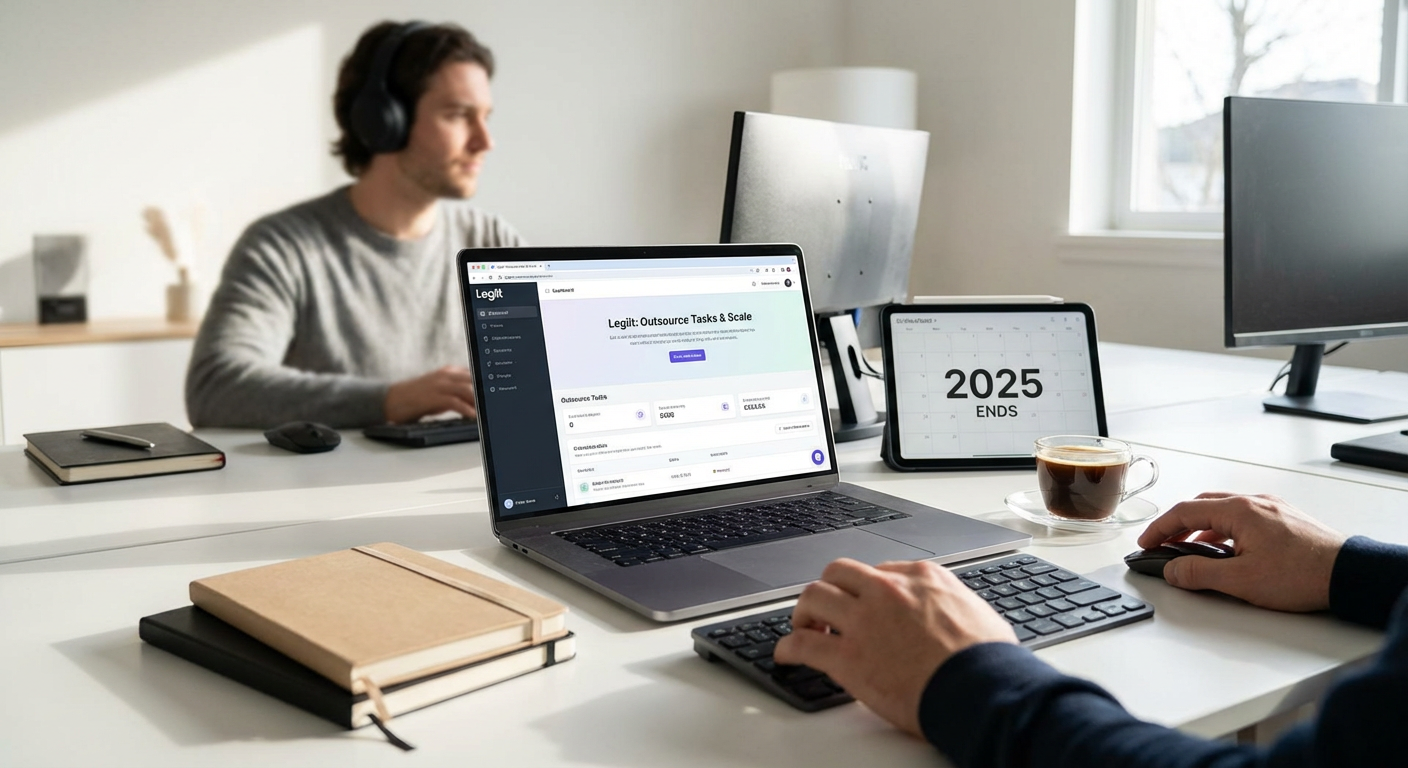
When you need to offload work fast, Legiit connects you with vetted freelancers who can handle everything from graphic design to content writing to tech support. Instead of spending days vetting candidates or managing complicated contracts, you can browse services, place an order, and get deliverables within hours or days.
This platform is built for speed. Most services have clear turnaround times, fixed pricing, and reviews from real clients, so you know what to expect before you commit. Whether you need a logo designed by tomorrow or blog posts written this week, Legiit helps you delegate quickly and keep projects moving. It’s a smart way to buy back your time without the overhead of hiring employees.
- Zapier: Automate Repetitive Tasks Between Your Apps
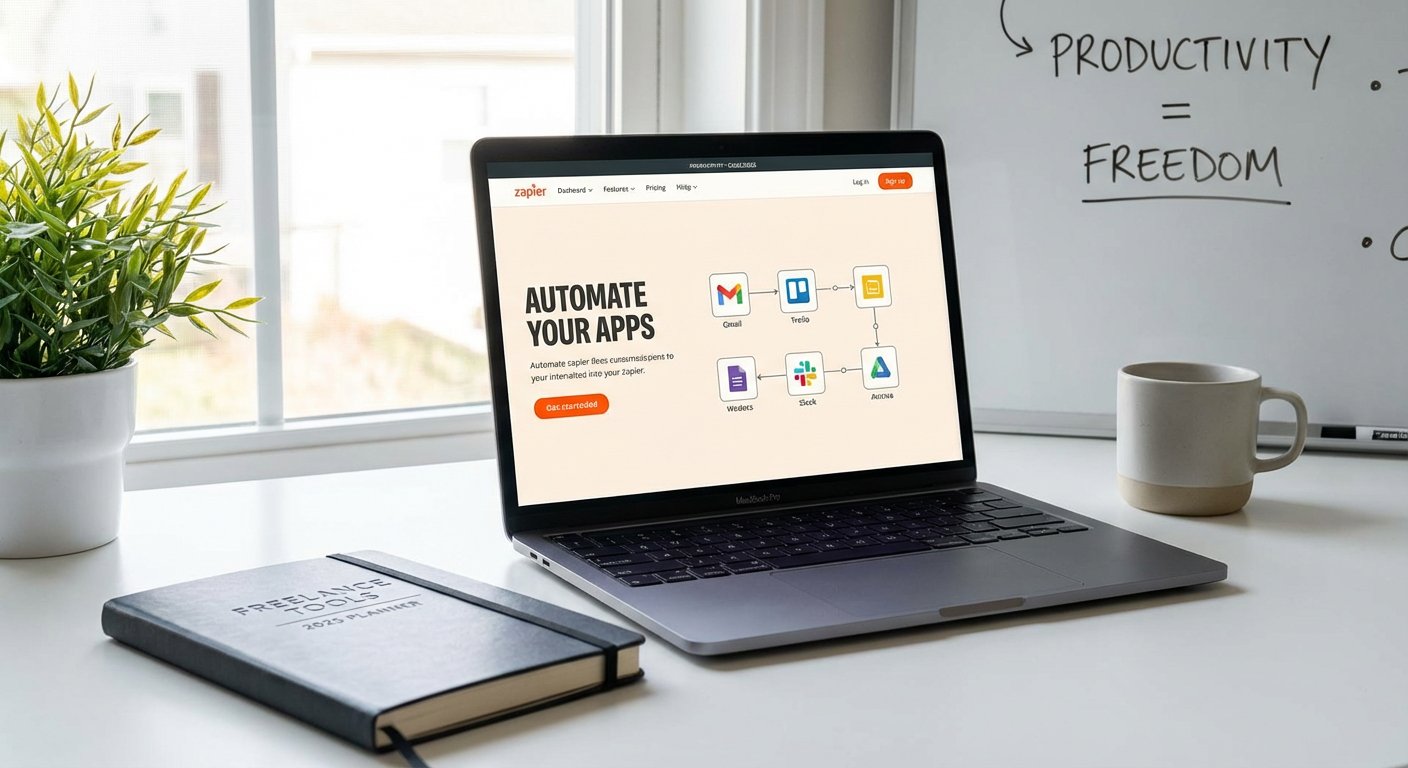
Zapier connects your favorite apps and automates the boring stuff that eats up your day. You can set up workflows, called Zaps, that trigger actions automatically when something happens in another app. For example, when a new client fills out your contact form, Zapier can add them to your CRM, send a welcome email, and create a task in your project manager, all without you lifting a finger.
The setup is simple and requires no coding. You choose a trigger app, select an action app, and map the fields. Within minutes, you can automate tasks like saving email attachments to cloud storage, posting social media updates across platforms, or syncing calendar events. Small automations add up fast, saving you hours every week and reducing the risk of human error.
- Notion: Centralize Notes, Tasks, and Projects in One Place
Notion replaces a dozen scattered tools with a single workspace where you can take notes, manage projects, track clients, and store resources. Instead of jumping between Google Docs, Trello, Evernote, and spreadsheets, you keep everything in one searchable database. This eliminates the time wasted searching for information across platforms.
You can build custom dashboards, create linked databases, and set up templates for recurring tasks like client onboarding or project briefs. Notion’s flexibility means it adapts to your workflow, not the other way around. Once you set up your system, you’ll spend less time organizing and more time doing the work that pays.
- Grammarly: Catch Errors and Polish Your Writing in Seconds
Grammarly acts as a second pair of eyes on everything you write, from emails to proposals to blog posts. It catches typos, grammar mistakes, and awkward phrasing in real time, so you don’t have to reread your work five times before hitting send. The tool integrates directly into your browser, email client, and word processor, which means it works wherever you type.
Beyond basic spell check, Grammarly suggests tone adjustments and clarity improvements that make your writing more professional and persuasive. This speeds up your editing process and reduces the back-and-forth with clients who might misunderstand unclear language. Clean, confident writing saves time and builds trust faster.
- Calendly: Let Clients Book Meetings Without the Email Ping-Pong
Scheduling meetings by email is a time drain. The “Does Tuesday work?” “Actually, can we do Wednesday?” dance can stretch over days. Calendly ends that by letting clients see your availability and book a time slot that works for both of you. You set your working hours, buffer times, and meeting types, then share a link.
Calendly syncs with your calendar, sends automatic reminders, and even handles time zones. This means fewer no-shows and zero double bookings. Clients appreciate the convenience, and you get back the 20 minutes you used to spend coordinating each call. It’s a small change that makes a big difference in how smoothly your days run.
- TextExpander: Type Less and Say More with Custom Shortcuts
TextExpander lets you create shortcuts that expand into full sentences, paragraphs, or even templates. If you find yourself typing the same email responses, contract clauses, or project instructions over and over, this tool will save you countless hours. You type a short abbreviation, and it instantly fills in the rest.
For example, typing “tyvm” can expand to “Thank you so much for reaching out. I’ll review your project details and get back to you within 24 hours.” You can set up snippets for addresses, phone numbers, pricing breakdowns, and frequently asked questions. Over time, those seconds saved per message add up to hours per month. It’s one of the fastest ways to reduce typing fatigue and speed up client communication.
- Toggl Track: Know Where Your Time Goes and Bill Accurately
Toggl Track is a simple time tracker that helps you see exactly how long tasks take, which clients consume the most time, and where you might be losing billable hours. You click a button to start a timer, add a task description, and stop it when you’re done. The app runs quietly in the background and syncs across devices.
This data is gold for freelancers. You can identify which projects are profitable and which ones drain your energy without paying enough. You’ll also have accurate records when it’s time to invoice, which speeds up billing and reduces disputes. Knowing your true hourly rate helps you make smarter decisions about what work to take on and what to turn down.
- Loom: Record Quick Video Messages Instead of Writing Long Emails
Loom lets you record your screen, your camera, or both, and share a link instantly. This is faster than writing a detailed email and often clearer than a wall of text. You can walk a client through edits, explain a process, give feedback on a design, or answer questions in a fraction of the time it would take to type everything out.
Videos feel more personal and reduce misunderstandings. Clients can watch at their own pace and rewatch if needed. Loom also transcribes your videos automatically, so recipients can skim the text if they’re in a hurry. This tool is especially helpful for remote freelancers who want to communicate quickly without scheduling yet another Zoom call.
- Canva: Design Professional Graphics Without a Steep Learning Curve
Canva puts design power in your hands without requiring Photoshop skills or hours of training. You can create social media posts, presentations, proposals, invoices, and marketing materials using drag-and-drop templates. The library includes millions of images, icons, and fonts, so you rarely need to start from scratch.
What used to take an hour in a complex design program now takes ten minutes in Canva. You can resize designs for different platforms with one click, collaborate with clients in real time, and download files in multiple formats. This speed matters when you need to turn around client deliverables quickly or promote your own services without hiring a designer.
- Airtable: Build Custom Databases That Grow With Your Business
Airtable combines the simplicity of a spreadsheet with the power of a database. You can track clients, manage content calendars, organize project pipelines, and store resources in a flexible, visual format. Unlike static spreadsheets, Airtable lets you link records, attach files, set up automations, and view your data in grids, calendars, or kanban boards.
This flexibility saves time because you’re not fighting against rigid software that doesn’t fit your needs. You can build a system that matches your workflow exactly, whether you’re managing a dozen clients or juggling multiple revenue streams. Once your base is set up, updates happen in seconds, and you can filter or sort information instantly to find what you need.
The tools on this list aren’t about adding complexity to your workflow. They’re about removing friction, automating the repetitive stuff, and giving you back the hours you need to focus on high-value work. Start with one or two that address your biggest time drains, get comfortable with them, and then add more as you grow. Small efficiency gains compound quickly, and before long, you’ll wonder how you ever managed without them. Work smarter, not longer, and enjoy the freedom that comes with running a lean, fast-moving freelance business.