

10 Fast-Track Freelancing Tools That Save Hours Every Week, Organized by Price
Time is money when you freelance, and the right tools can give you back dozens of hours each month. This list breaks down the best time-saving tools for freelancers, organized from free options to premium investments. Whether you’re drowning in admin work or spending too long on repetitive tasks, these tools will speed up your workflow and let you focus on billable work. Each one delivers quick results without a steep learning curve.
- Legiit: Instant Access to Skilled Freelancers (Free to Browse, Pay Per Service)
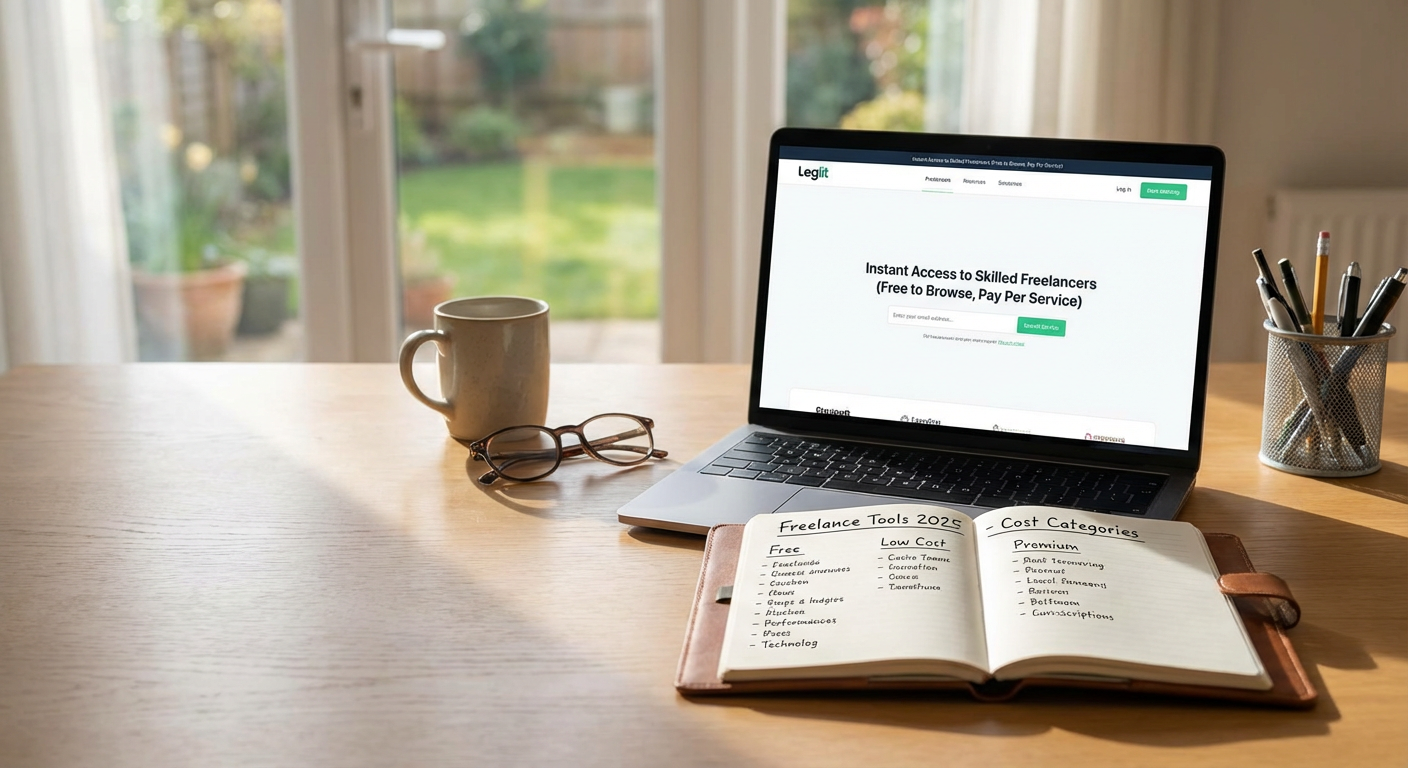
When you need tasks done fast but don’t have the bandwidth to handle everything yourself, Legiit connects you with experienced freelancers in minutes. This marketplace specializes in digital services, from content writing to web development, with clear pricing and quick turnaround times.
You can browse thousands of service listings, read reviews, and hire someone in under ten minutes. Many sellers offer 24 to 48-hour delivery, which means you can delegate work today and have results by tomorrow. Instead of spending hours doing tasks outside your expertise, you hand them off and get back to what you do best. The platform handles payments securely, so there’s no awkward negotiation or invoicing headaches.
- Notion: All-in-One Workspace (Free Plan Available, Paid from $8/Month)
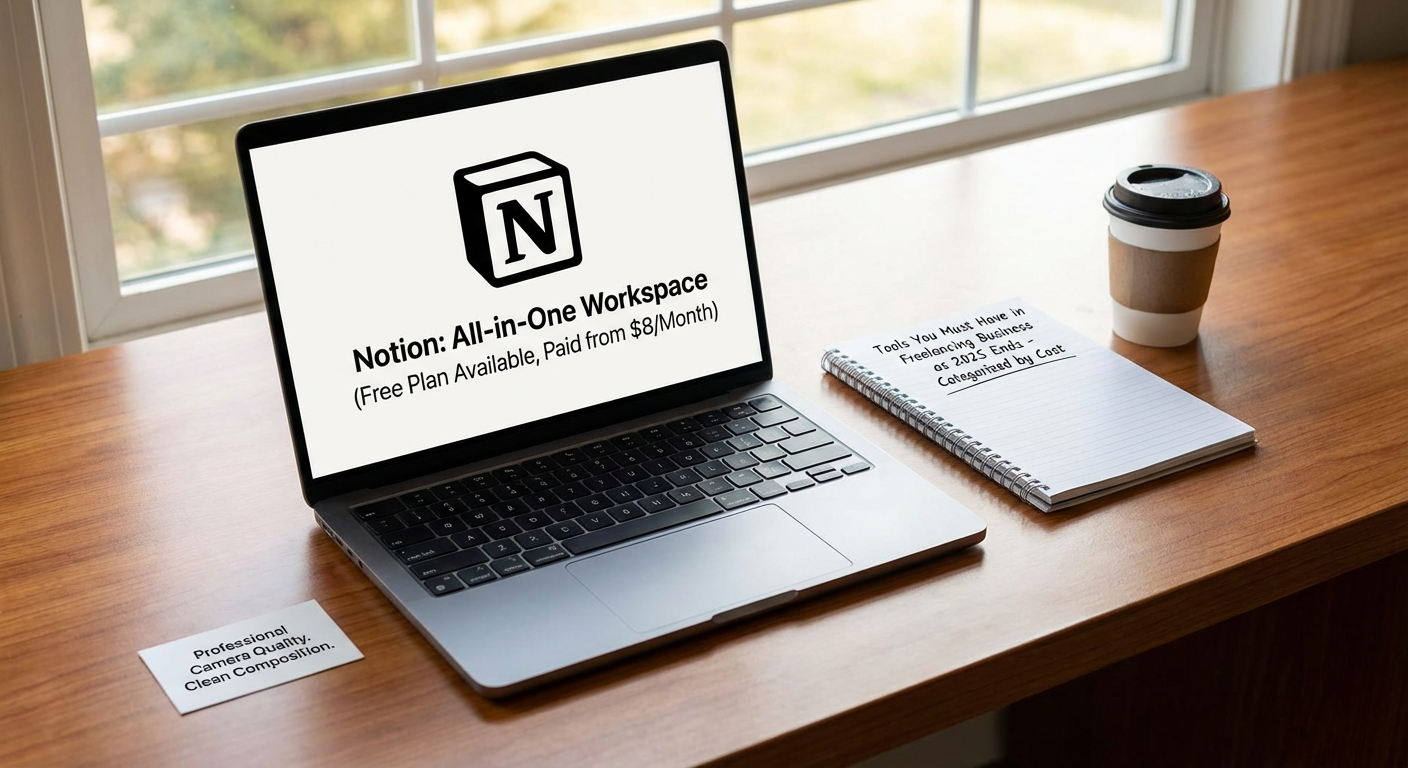
Notion replaces a dozen separate apps by combining notes, tasks, databases, and calendars into one flexible workspace. The initial setup takes about 30 minutes, but after that, you’ll save hours every week by keeping everything in one place.
Create client project trackers, meeting notes, and content calendars without switching between tools. The search function works across all your data, so you spend less time hunting for that one document or task. Templates speed things up even more. You can duplicate project structures, onboarding checklists, or proposal outlines with a single click. The free plan is generous enough for solo freelancers, while paid plans add collaboration features if you work with a team.
- Calendly: Automated Scheduling (Free Plan Available, Paid from $10/Month)
Stop wasting time on email ping-pong trying to find a meeting slot. Calendly lets clients book time with you directly by checking your availability in real time. You set your available hours, buffer times, and meeting types, then share a simple link.
Clients pick a time that works for them, and the meeting appears on both calendars automatically. The tool syncs with Google Calendar, Outlook, and iCal, so there’s no double-booking. You can set up different meeting types with custom durations and questions, which means discovery calls, project reviews, and quick check-ins each have their own flow. The free version handles one meeting type and basic features, while paid plans let you create multiple meeting types and add team scheduling.
- Grammarly: Instant Writing Cleanup (Free Plan Available, Premium from $12/Month)
Grammarly checks your writing as you type, catching typos, grammar mistakes, and awkward phrasing in seconds. The browser extension works in Gmail, Google Docs, social media, and most web forms, so you get feedback wherever you write.
The free version handles basic spelling and grammar, which already saves you from embarrassing client emails. Premium adds tone detection, clarity suggestions, and vocabulary enhancements that make your writing sharper and faster to edit. Instead of rereading your work five times, you fix issues on the spot and move on. For freelancers who write proposals, emails, or content, this tool pays for itself in reduced editing time.
- Zapier: Workflow Automation Without Coding (Free Plan Available, Paid from $20/Month)
Zapier connects your apps and automates repetitive tasks so you don’t have to copy and paste data between platforms. You create “Zaps” that trigger actions automatically, like saving email attachments to cloud storage or adding new clients to your spreadsheet.
Common freelancer workflows include sending invoice reminders, updating project trackers when you get paid, or posting social media updates across multiple platforms at once. Each Zap takes about five minutes to set up but can save you 30 minutes or more per week. The free plan allows 100 tasks per month, which covers basic automation needs. Paid plans increase task limits and add multi-step workflows that handle more complex processes.
- Canva: Quick Visual Design (Free Plan Available, Pro from $13/Month)
Canva turns design work that used to take an hour into a five-minute task. The drag-and-drop interface comes loaded with templates for social media graphics, presentations, proposals, and marketing materials.
You simply pick a template close to what you need, swap in your text and images, adjust colors to match your brand, and export. No design experience required. The built-in photo library and icon collection mean you rarely need to hunt for assets elsewhere. Canva Pro adds features like brand kits that save your colors and fonts, background remover tools, and a content scheduler. For freelancers who need to create client-facing materials or promote their services, this tool dramatically cuts production time.
- Loom: Fast Video Messages (Free Plan Available, Paid from $12.50/Month)
Sometimes explaining something over video takes two minutes while typing it out takes twenty. Loom records your screen, camera, or both, and creates a shareable link instantly. No editing or uploading hassles.
Use it to walk clients through project updates, explain feedback on deliverables, or record quick tutorials. Recipients watch at their convenience and can leave timestamped comments. This eliminates long email chains and reduces back-and-forth clarification requests. The free plan allows up to 25 videos with a five-minute limit per video. Paid plans remove time limits and add features like custom branding and video editing tools.
- Wave: Free Invoicing and Accounting (Free with Optional Paid Services)
Wave handles invoicing, expense tracking, and basic accounting without charging a monthly fee. You create professional invoices in under two minutes, send them directly to clients, and track payment status from your dashboard.
The software automatically calculates taxes, tracks which invoices are overdue, and generates financial reports for tax time. You can accept credit card payments through Wave for a small transaction fee, but the core software stays free. For freelancers who hate bookkeeping, this tool organizes your finances without adding another subscription cost. You spend less time managing money and more time earning it.
- LastPass: Password Management (Free Plan Available, Premium from $3/Month)
Freelancers juggle dozens of accounts, from client portals to software tools to social media platforms. LastPass stores all your passwords securely and fills them in automatically, saving you from password resets and login headaches.
You remember one master password, and LastPass handles the rest. The autofill feature works across devices, so you log in instantly whether you’re on your laptop or phone. The password generator creates strong, unique passwords for each account, which improves your security without extra effort. The free version covers unlimited passwords on one device type, while premium syncs across all your devices and adds secure sharing for team passwords.
- Toggl Track: Simple Time Tracking (Free Plan Available, Paid from $10/Month)
Knowing where your time goes helps you price projects accurately and identify time drains. Toggl Track makes time tracking painless with one-click timers and minimal setup. You start a timer when you begin work, add a quick description, and stop it when you’re done.
The reports show you exactly how many hours you spent on each client or project type, which helps with billing and capacity planning. You can track time from your desktop, browser, or phone, and the app reminds you if you forget to start the timer. The free plan works well for solo freelancers with basic needs, while paid plans add features like billable rates, team management, and detailed reporting. Most users spend less than five minutes per day managing their time tracking once they build the habit.
The right tools make freelancing faster and less stressful. Start with the free versions of these apps and upgrade only when you hit their limits. Even adding two or three of these tools to your workflow can save you five to ten hours per week, time you can spend on client work or just taking a break. Pick the ones that address your biggest time wasters first, and build from there.